Quantum Castaway
A downloadable game for Windows and macOS
Explore the weird and mysterious quantum world in an alien planet!
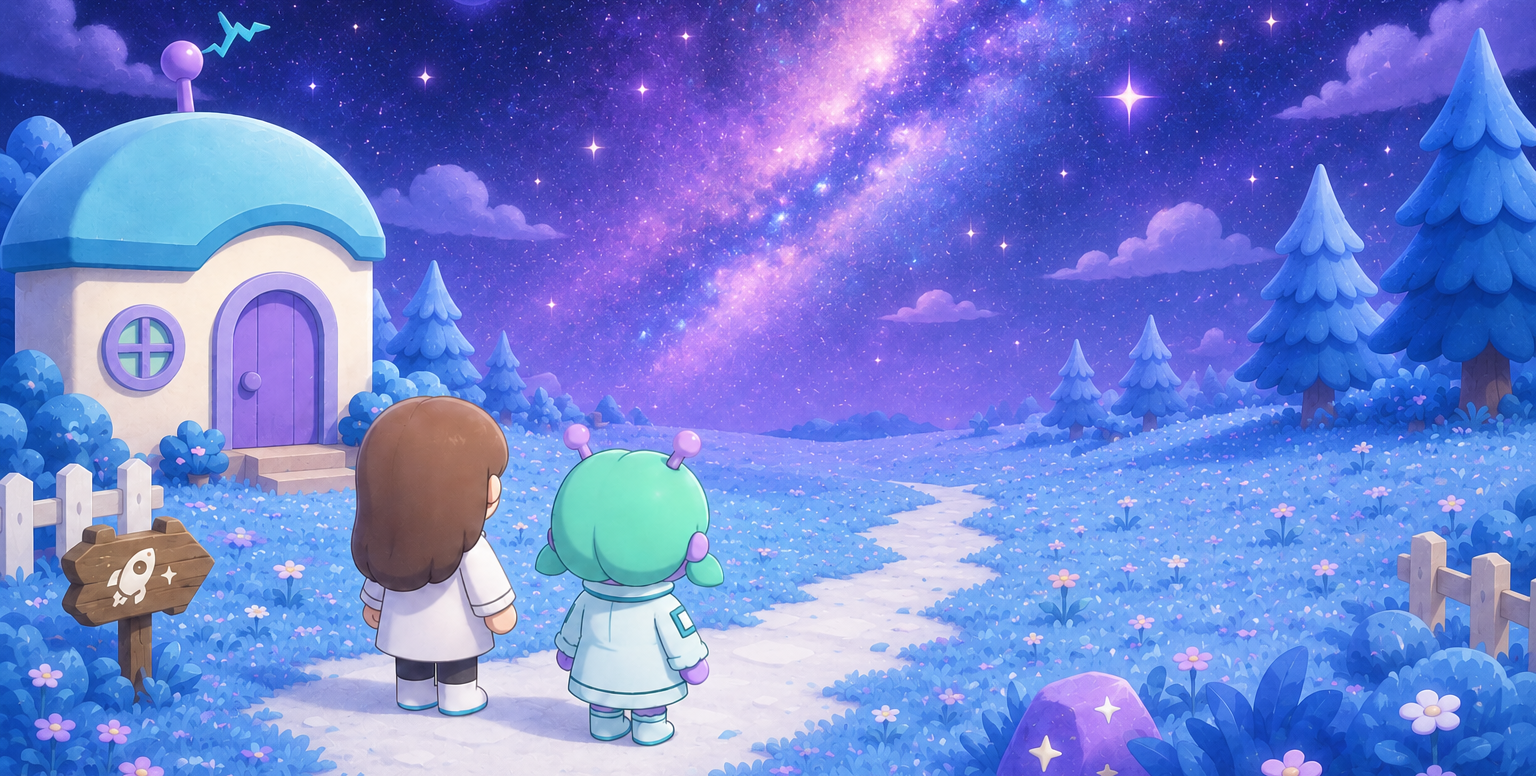
You are a quantum scientist, doing another experiment on a normal Tuesday... until suddenly, a wormhole appears and you are sucked into an unknown alien planet! Thank goodness the aliens here are friendly - an alien named Kiyo says she'll guide you through the three areas of her planet and help you return to your home planet.
Your task is to solve puzzles, complete quests, gather unique lab items, and ultimately use your findings to build a quantum computer to calculate your route back to Earth! Think you're up for the task? Give this game a try! ( please :D )
Mac Issues
The game hasn't been verified by Apple & we do not have a dev account, which means Macs may give a warning that the game might be malicious and refuse to run the app. In that case:
- Open System Settings
- Click Privacy & Security, scroll down, and click the Open Anyway button to confirm your intent to open or install the app called qcMAC.
- The warning prompt reappears and, if you want to open the app anyway, click Open.
- The game may ask for permission to access your microphone. In this case, there is no need to grant access.
Download
Install instructions
How to Download & Play
- Click the Download button above according to the system that works on your computer, and save the
.zipfile to your computer. - Once downloaded, extract the zip (right-click → "Extract All" on Windows).
- Open the extracted folder and run quantumcastaway.exe to start the game.
Requirements
- Windows 10 or later
- No additional installation required
Having trouble?
- Make sure you extracted the full zip before running the executable (running directly from inside the zip won't work).
- If Windows shows a security warning, click "More info" → "Run anyway" — this is normal for indie games & I promise we aren't scammers trying to install viruses on your computer :(
- If you have more trouble please feel free to email me at e1717803@u.nus.edu !
Comments
Log in with itch.io to leave a comment.
Wow guys you should totally give this game a try! (yes its my own game 🥲)